
Dhamakaplay Customer Support: Get Help Fast
The Dhamakaplay support team is available around the clock to assist you with account queries, deposits, withdrawals, KYC verification, and technical issues. You can reach customer service through live chat, email, phone, WhatsApp, and Telegram, with agents fluent in English and Hindi. Live chat responses typically arrive within a minute, while email queries are addressed within 24 hours.
Dhamakaplay Live Support via Chat
Live chat is the fastest way to reach the support team for immediate assistance. It is available directly on the website and in the mobile app, 24 hours a day, 7 days a week.
How to Access Live Chat
Look for the chat icon at the bottom corner of any page on the Dhamakaplay website or app. Click it, select your query type, and you will be connected to a live agent within seconds.
Best Use Cases for Live Chat
Live chat is best suited for:
- Account login difficulties
- Deposit or withdrawal status updates
- Bonus activation and eligibility questions
- Game loading or access issues
- Quick verification queries
Contact Details and Hours
- Available: 24/7, every day of the year
- Languages supported: English, Hindi
- Average response time: under 1 minute during standard hours, up to 3 minutes during peak periods
Tips for Faster Chat Support
- Have your registered email address or phone number ready before starting the chat
- Briefly describe your issue in the first message to avoid back-and-forth
- If the issue involves a transaction, note down the transaction ID beforehand
- For account-related queries, be prepared for a quick identity verification step

Email Support for Detailed Queries
Email is the right channel for non-urgent matters that require documentation or a detailed explanation. It gives you space to describe your issue thoroughly and attach supporting files.
How to Contact via Email
Send your message to the customer service email address listed on the official Dhamakaplay contact page. Include all relevant details in your message to avoid follow-up delays.
Best Use Cases for Email Support
Email is most effective for:
- KYC document submission and verification follow-ups
- Formal complaints or dispute escalations
- Account closure or data-related requests
- Bonus discrepancies requiring transaction history review
- Feedback or detailed account-related concerns
Contact Details
- General support email: available on the official website contact section
- Response time: within 24 hours on business days; complex cases may take up to 48 hours
Tips for Faster Email Responses
- Use a clear subject line such as “Withdrawal Issue – Account [your ID]” or “KYC Verification Pending”
- Include your registered email address, username, and a brief description at the top of the message
- Attach screenshots or documents directly to your first email
- Avoid sending duplicate emails, as this pushes your ticket further down the queue
- Check your spam folder in case a response was filtered automatically
Phone Support via the Helpline Number
Phone support provides a direct line to a live agent when you prefer speaking to someone rather than typing. The Dhamakaplay helpline number is suited for players who need clear verbal guidance through a complex process.
How Phone Support Works
Dial the helpline number listed on the official website. An automated menu will guide you to the correct department. Once connected, an agent will verify your identity before discussing your account.
Best Use Cases for Phone Support
Phone support is particularly helpful for:
- Urgent account access issues
- Failed payment resolution requiring step-by-step guidance
- Responsible gaming requests such as self-exclusion or deposit limits
- Situations where written communication is not convenient
Contact Details
- Helpline number: available on the official Dhamakaplay contact page
- Operating hours: check the website for current availability by region
- Toll-free options: refer to the website for India-specific numbers
- Language support: English and Hindi
- Average call wait time: 2 to 5 minutes during standard hours
Tips for Faster Phone Support
- Call during off-peak hours such as early morning or late evening
- Keep your account username, registered mobile number, and any relevant transaction IDs ready
- Write down any reference number provided at the end of the call
- If the wait time is long, the live chat option on the website is available as an immediate alternative
Support via WhatsApp, Telegram, and Social Media
For players who prefer messaging apps, support is available through popular platforms including WhatsApp and Telegram. Social media channels are also monitored for public queries and feedback.
Available Platforms
- WhatsApp: Send a message to the official number listed on the Dhamakaplay website. Suitable for quick questions and document sharing.
- Telegram: Join the official channel or message the support handle directly. Useful for updates, announcements, and individual queries.
- Facebook and Instagram: Public queries posted on official pages receive responses within a few hours. Avoid sharing sensitive account details publicly on these platforms.
- Twitter (X): Tag the official handle for general questions or to follow up on an open ticket.
Best Use Cases
- General account questions
- Checking the status of a promotion
- Sharing screenshots of an issue for quick review
- Following up on an existing support request
Response Timeframes
- WhatsApp and Telegram: typically within 30 minutes during active hours
- Social media platforms: 1 to 4 hours for a first response
Tips for Effective Messaging Support
- Always message from the phone number or account linked to your registered profile
- Keep your message concise and include your username or registered email at the start
- For account-specific queries, avoid sharing passwords or sensitive data over public social media
- Save the official contact numbers to your phone to avoid contacting unofficial accounts

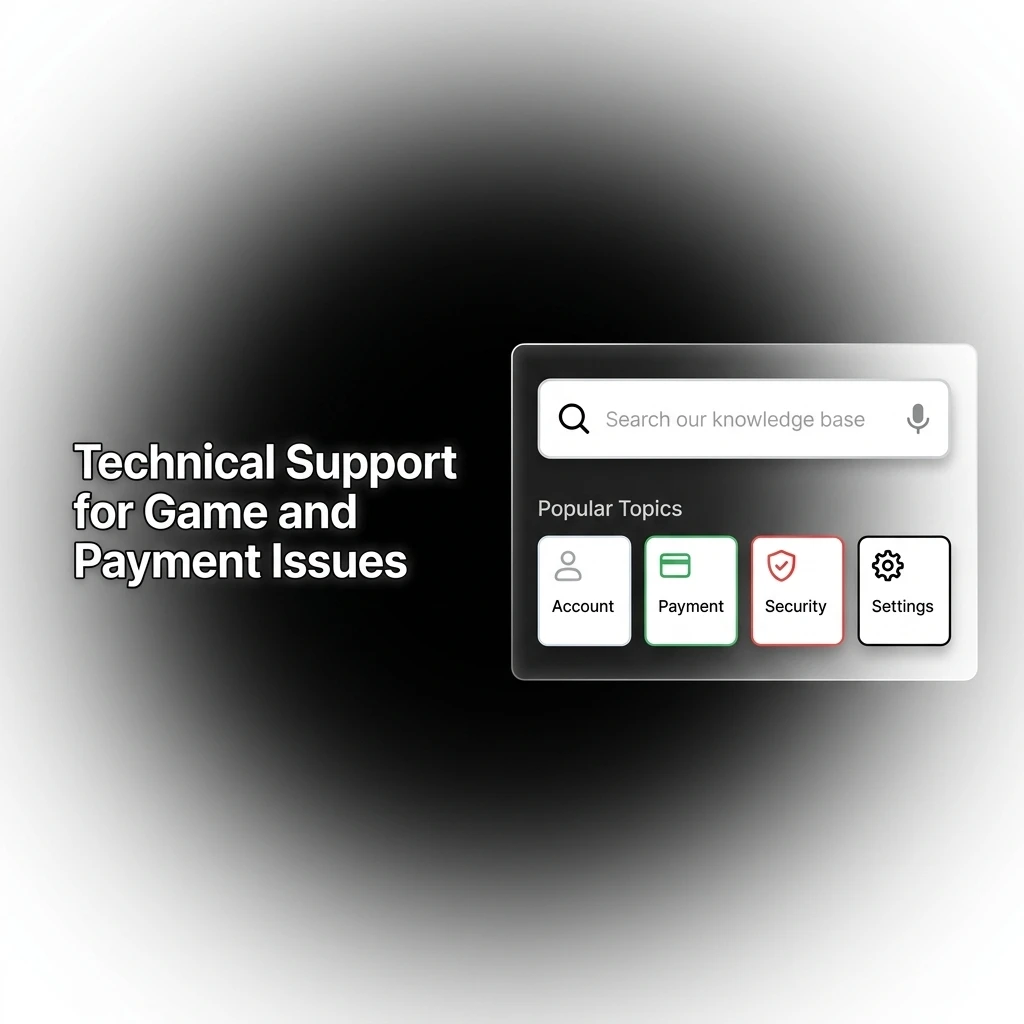
Technical Support for Game and Payment Issues
Technical support addresses problems that go beyond standard account queries, including software errors, payment failures, and platform access difficulties. These cases are handled by a dedicated technical team.
What Technical Support Covers
This channel is designed for:
- Login errors and two-factor authentication problems
- Payment processing failures or pending transactions stuck for over 24 hours
- Game crashes, freezing, or loading failures
- App installation or update issues on Android or iOS
- Browser compatibility problems on the website
- Incorrect balance display or missing bets
How to Reach Technical Support
- Use the live chat feature and select “Technical Issue” from the category menu for the fastest response
- Email the technical support address listed on the contact page for issues requiring screenshots or log files
- The Dhamakaplay helpline number can also route you to a technical agent if your issue is urgent
Response Timeframes
- Live chat (technical): under 5 minutes to connect with an agent
- Email (technical): 24 to 48 hours depending on complexity
- Critical payment issues: escalated within 4 to 6 hours
Tips for Faster Technical Resolution
- Take a screenshot of any error message and include it in your first contact
- Note the exact time the issue occurred and what you were doing when it happened
- Mention your device type, operating system version, and browser or app version
- For payment issues, include the transaction ID, amount, and payment method used
- Clearing your browser cache or reinstalling the app resolves many common technical errors before contacting support
VIP and Priority Support for High-Tier Players
High-tier players on Dhamakaplay have access to dedicated priority support, with faster response times and a named account manager available for ongoing assistance.
How Priority Support Works
Once a player reaches VIP status, a dedicated support contact is assigned. This contact can be reached through a private channel separate from standard customer service. VIP players do not go through the general queue.
Who Qualifies
- Players who have reached VIP or elite tier status as defined in the loyalty programme
- High-volume players with consistent activity on the platform
- Players invited to the VIP programme through the promotions or account management team
What Priority Support Covers
- Expedited withdrawal processing queries
- Personalised bonus and offer discussions
- Dedicated assistance for account limit adjustments
- Direct escalation of technical or payment issues
- Access to exclusive promotions and event invitations through your account manager
Contact Details
- Dedicated chat line: accessible from the VIP dashboard once status is confirmed
- Private phone contact: provided directly by your account manager
- Email: a dedicated VIP support address is shared upon programme entry
- Response time: within 15 minutes for chat, within 4 hours for email
How to Maximise VIP Support
- Keep your account manager informed of your preferences and regular activities
- Use the dedicated contact line for time-sensitive queries rather than the general helpline number
- Review your VIP benefits page regularly for changes to your tier entitlements
- Maintain consistent account activity to retain your current tier status
Updated: