Get the Installer from This Page
Click the download button available on this page to save the Dhamakaplay Windows installer file (.exe) to your computer.

The Dhamakaplay desktop application gives you direct access to live casino games, roulette, slots, table games, and sports betting from your computer. It is free to download and supports both Windows and MacOS, delivering the same full functionality as the web platform with added stability and a dedicated interface. If you want a faster, more focused experience for betting and casino play, the PC app is the better option.
The Dhamakaplay PC client is a purpose-built application for desktop users, offering faster load times, a dedicated full-screen interface, and consistent performance without browser limitations. Below is a summary of the key characteristics of the PC client.
PC Client Size
Approx. 50–80 MB
Available Languages
English, Hindi, Bengali, Tamil, Telugu
Category
Sports Betting, Online Casino, Live Casino, Instant Games, Game Shows, Table Games
Compatible with Windows
Windows 7, Windows 8, Windows 10, Windows 11
Compatible with macOS
macOS 10.13 (High Sierra) and above
Installing the Dhamakaplay PC application has clear advantages for regular users, though a few minor points are worth noting before you decide. The table below outlines the key pros and cons of the desktop client.
| Pros | Cons |
|---|---|
| Faster game loading compared to browser-based play | Requires a one-time installation on your computer |
| Full-screen interface optimised for desktop displays | Takes up storage space on your device |
| Stable connection with fewer interruptions during live games | Requires manual updates to stay on the latest version |
| Dedicated login process for quicker access to your account | |
| Access to all casino and sports betting options in one place | |
| Better performance on lower-bandwidth connections | |
| No browser tab clutter or accidental page closures |
Click the download button available on this page to save the Dhamakaplay Windows installer file (.exe) to your computer.
Open your Downloads folder and find the Dhamakaplay setup file.
Double-click the .exe file to begin the installation process. If a Windows security prompt appears, select “Run Anyway” to continue.
The installation wizard will guide you through the remaining steps. Accept the terms and choose your preferred installation folder.
Click “Install” and wait for the process to finish. Once complete, click “Finish” to close the wizard.
Open the Dhamakaplay app from your desktop shortcut or Start menu, log in to your account, and start betting.
Click the download button on this page to save the Dhamakaplay Mac installer file (.dmg) to your computer.
Go to your Downloads folder and double-click the .dmg file to mount the installer.
In the window that opens, drag the Dhamakaplay icon into the Applications folder.
On first launch, macOS may ask you to confirm you trust the application. Go to System Preferences, then Security and Privacy, and click “Open Anyway.”
Open the Dhamakaplay application from your Applications folder or Launchpad, log in to your account, and begin your session.
Keeping the Dhamakaplay PC app updated ensures you have access to the latest features, security improvements, and the best possible performance on your computer. Updates are typically quick and do not require a full reinstallation.
Click the Dhamakaplay icon on your desktop or taskbar to launch the application and access the platform.
When a new version is available, a notification or prompt will appear on your screen after login. Click “Update Now” to begin.
The app will automatically download and apply the update. Your session data and account information will be preserved.
Once the update is complete, restart the Dhamakaplay client to activate the new version and continue using the platform.
Creating an account on the Dhamakaplay platform through the PC application is a quick process, and once registered, you get full access to all betting and casino options available on the platform. New users may also be eligible for welcome offers after completing registration.
Launch the Dhamakaplay desktop client from your desktop shortcut or Applications folder.
On the home screen, locate and click the “Register” or “Sign Up” button. You can register using your email address or mobile number, depending on the option you prefer.
Enter the required information, including your name, date of birth, contact details, and a secure password. Accept the terms and conditions to proceed.
Complete the verification step via email or SMS as prompted, then log in to your new account to start placing bets and exploring the casino.
Installing the desktop app is not a requirement to enjoy everything the platform has to offer. You can access the full Dhamakaplay website directly through your preferred browser on any computer, with no downloads needed. The official website gives you complete access to sports betting, live casino, slots, and all other available categories. If you prefer not to install software on your system, the browser-based option is a fully capable alternative with no reduction in features.

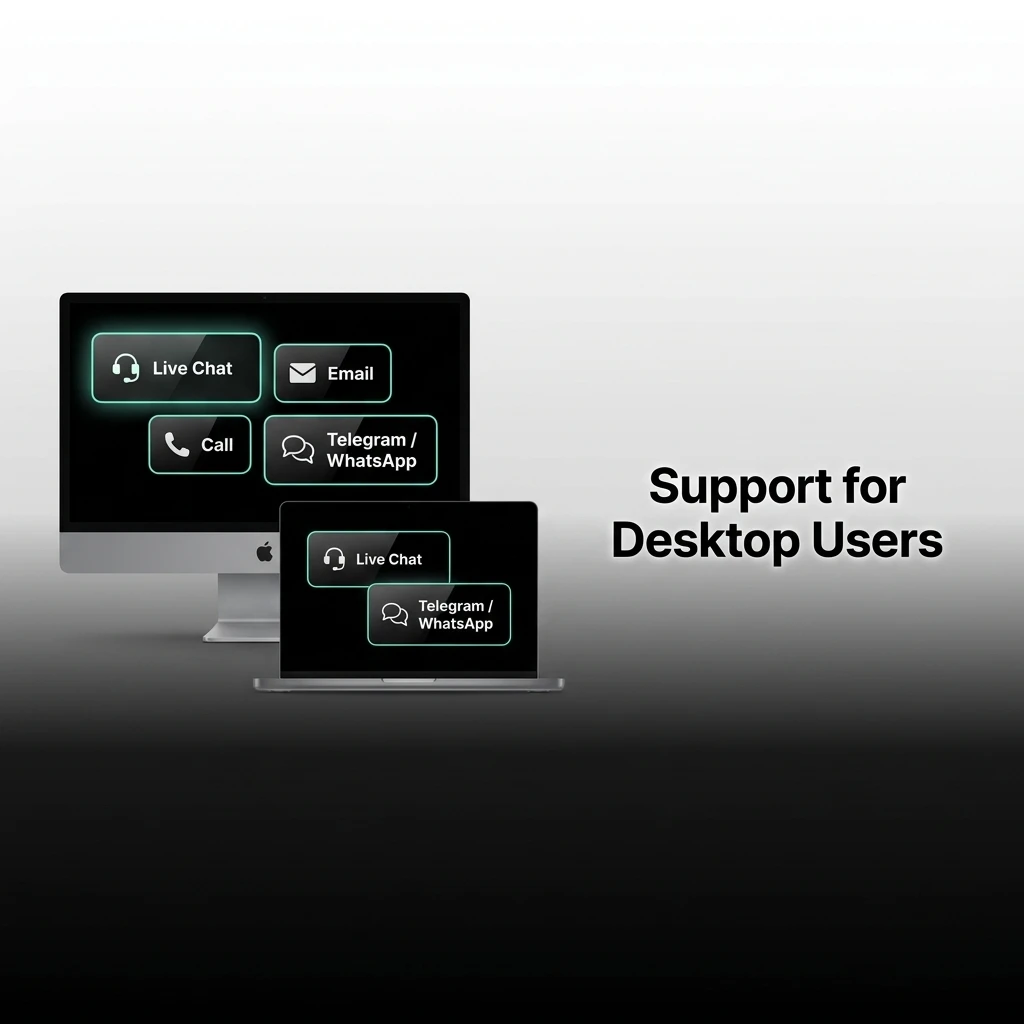
Dhamakaplay provides dedicated customer support for desktop users through multiple contact channels, ensuring you can get assistance quickly whenever needed. The following options are available to reach the support team.
| Contact Method | Details |
|---|---|
| Live Chat | Available directly within the PC app and on the official website, 24/7 |
| [email protected] | |
| Phone | Check the official website for the current support number |
| Social Media | Available via the official Dhamakaplay pages on Facebook, Instagram, and Telegram |
Yes, the Dhamakaplay app for PC is completely free to download and install. There are no charges associated with the download process.
Yes, your Dhamakaplay account works across the PC client and the browser-based website. Your balance, bet history, and account information remain consistent across both.
All current promotions and bonuses offered on the Dhamakaplay platform are accessible through the PC app, just as they are on the official website.
The Dhamakaplay desktop application is developed and distributed through the official platform. It uses standard encryption to protect your account information and personal data.
If the app does not open, try restarting your computer and launching it again. If the issue continues, check that your operating system meets the minimum requirements or contact the support team via live chat for further assistance.
Updated: